
Luft
A calm, quick desktop for your PC. Try it from Windows or Linux with one restart, no USB stick needed.
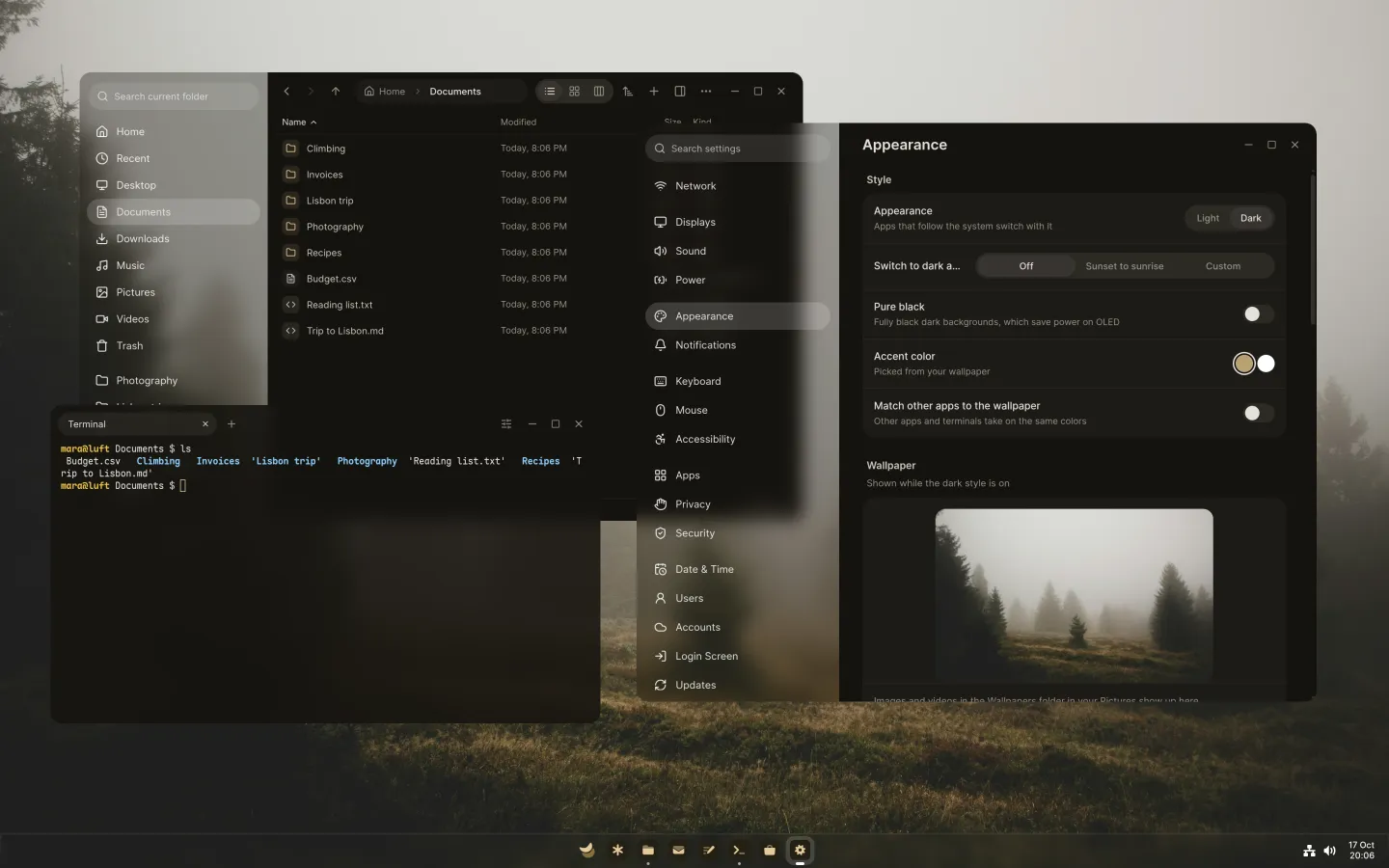
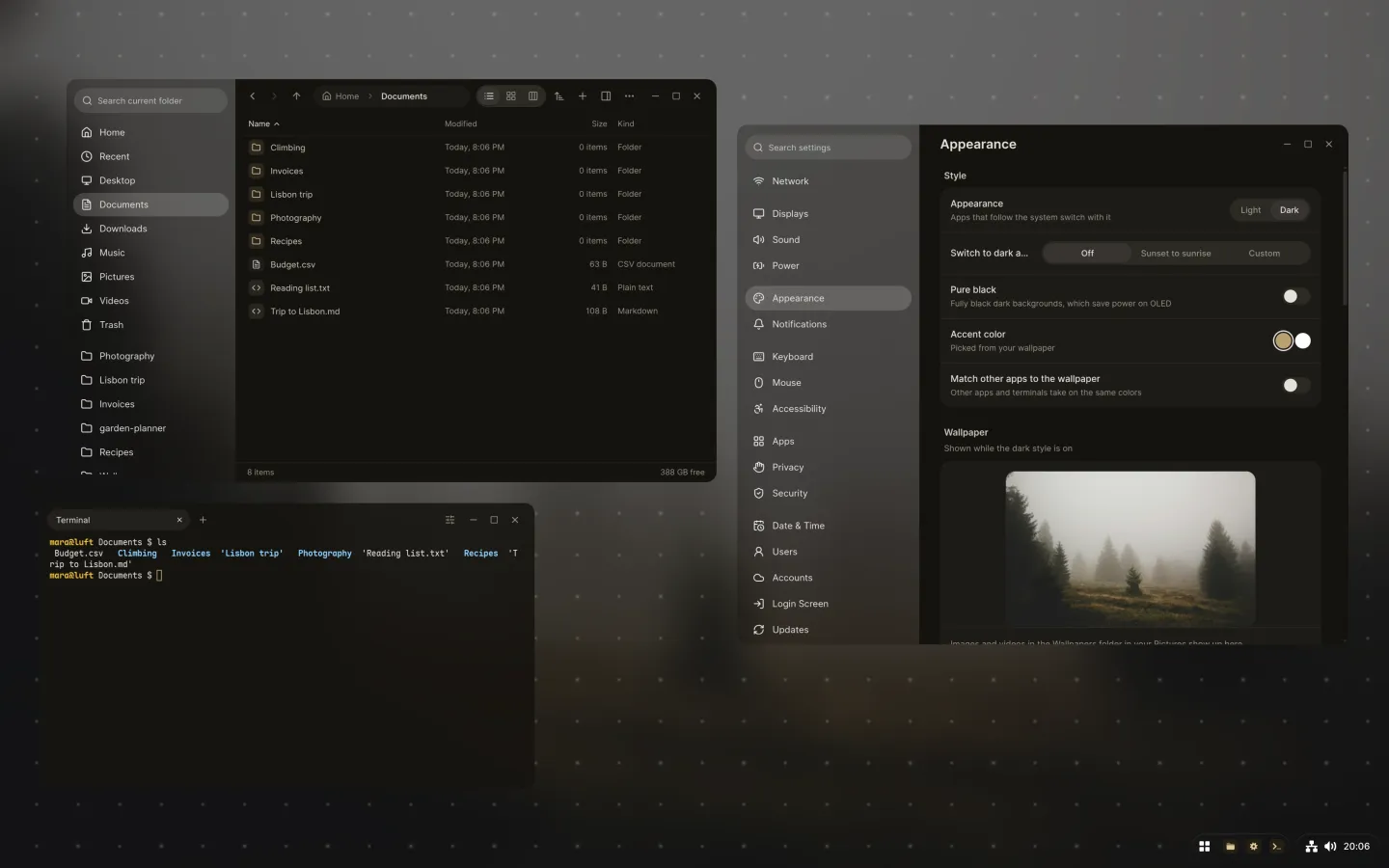
Luft is a complete system for your PC, built on Fedora. It has its own desktop, its own apps and a core that keeps itself in one piece, so you can get on with your day.
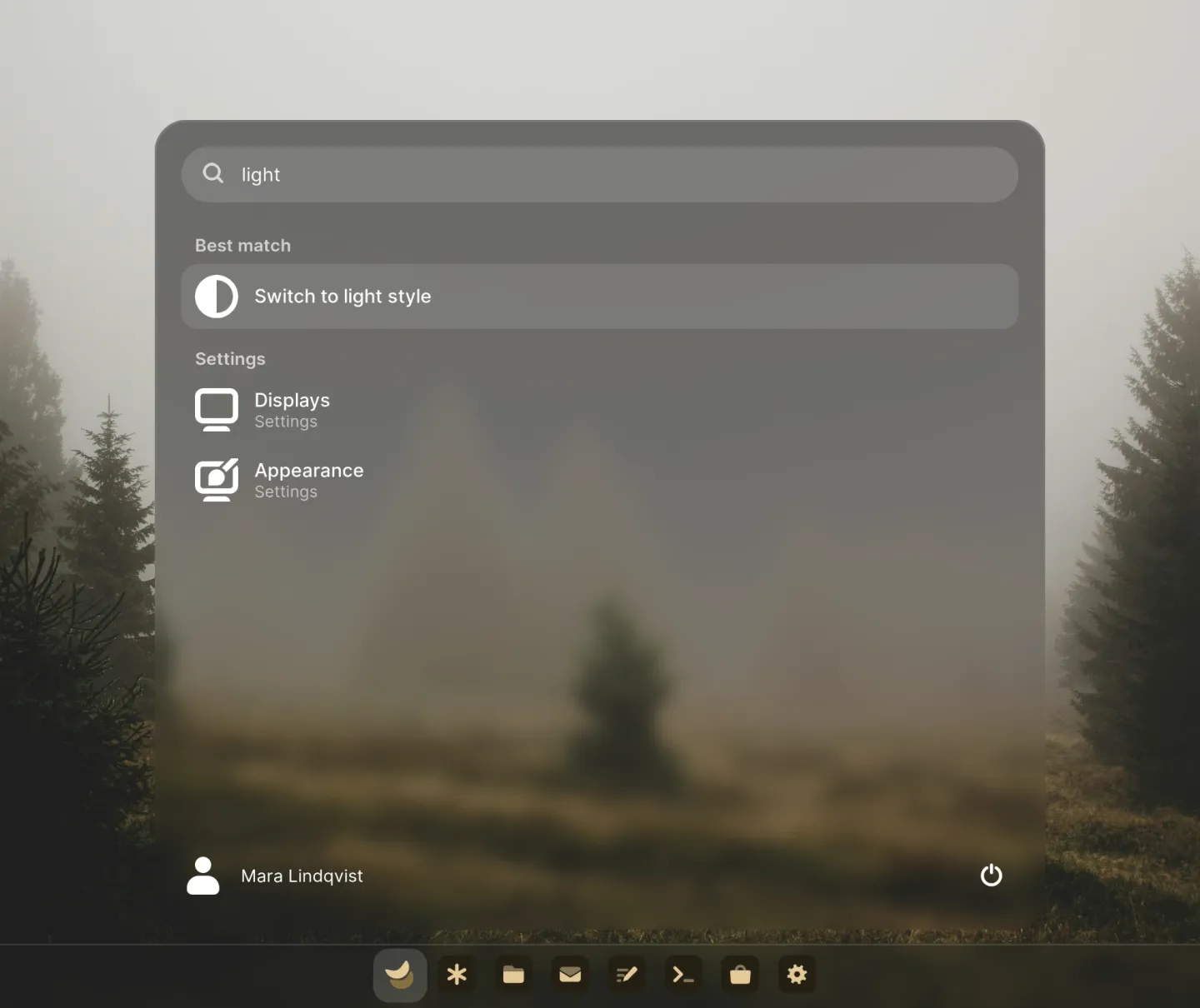
Start knows where everything is.
Type a few letters and Start finds apps, settings, files and even the words inside them. It does sums and unit conversions, and turns on dark style or Wi-Fi when you ask.
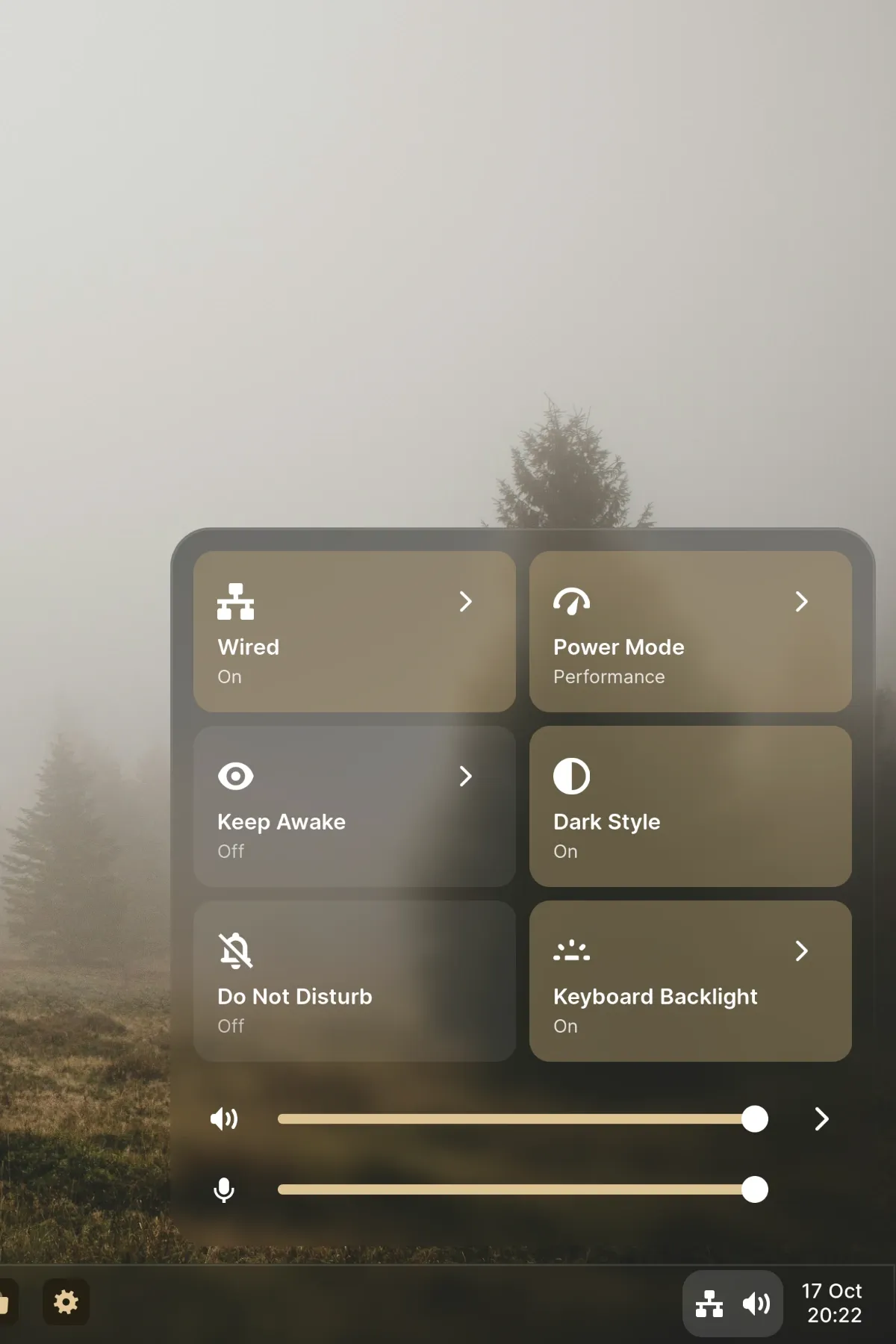
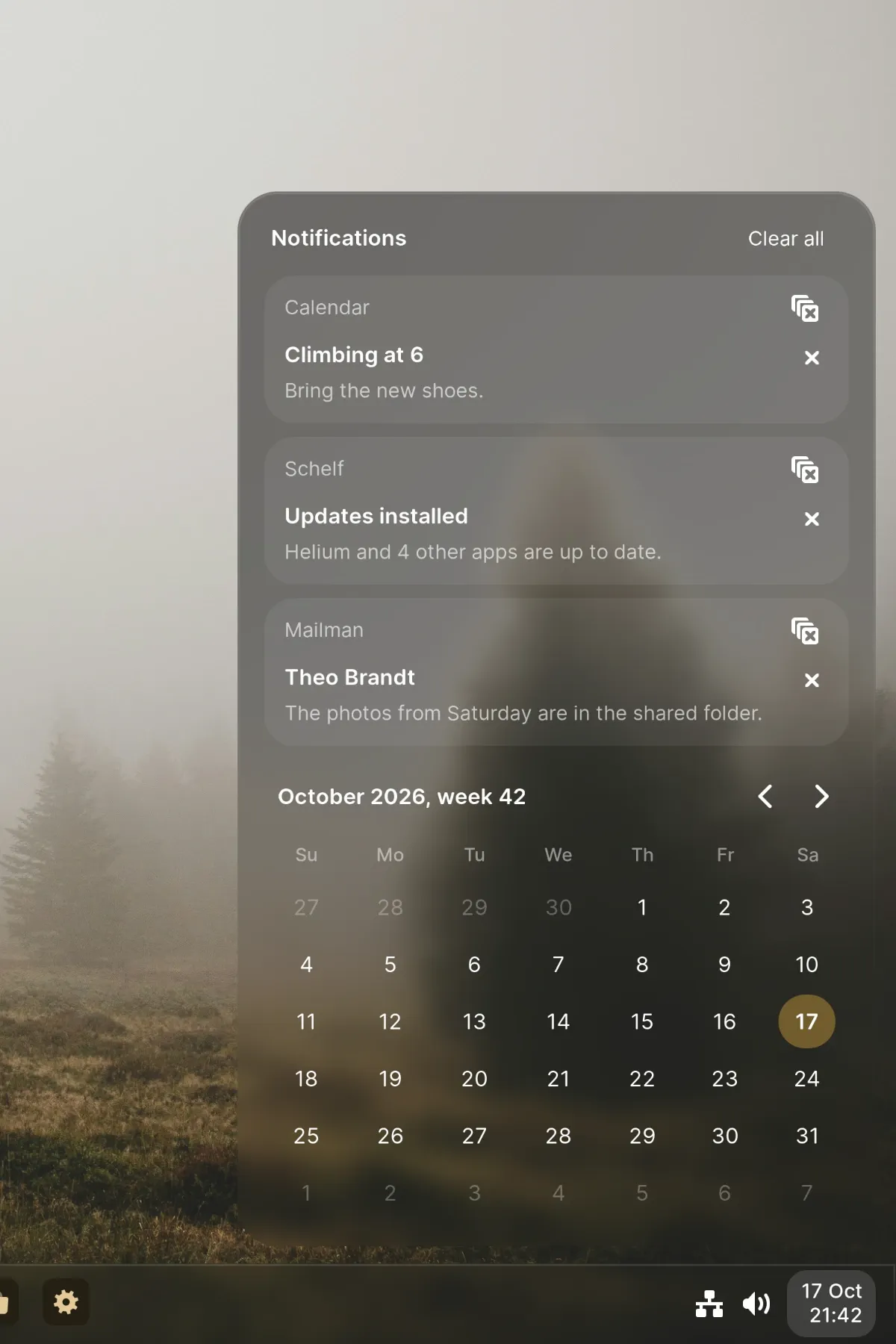
The essentials, one click away.
Quick settings are tiles you arrange yourself. Notifications group by app, with replies, media controls and a calendar right next to them.
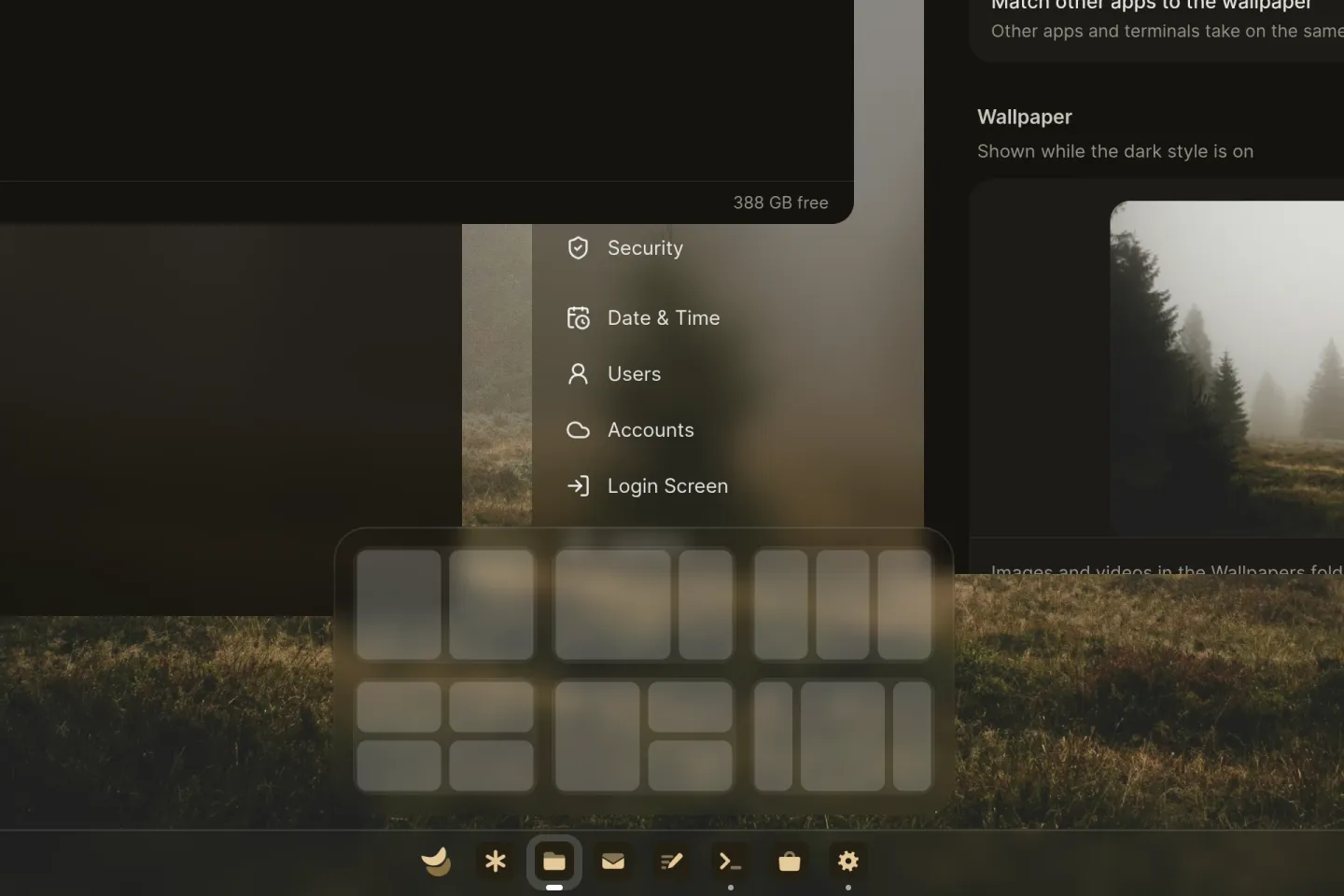
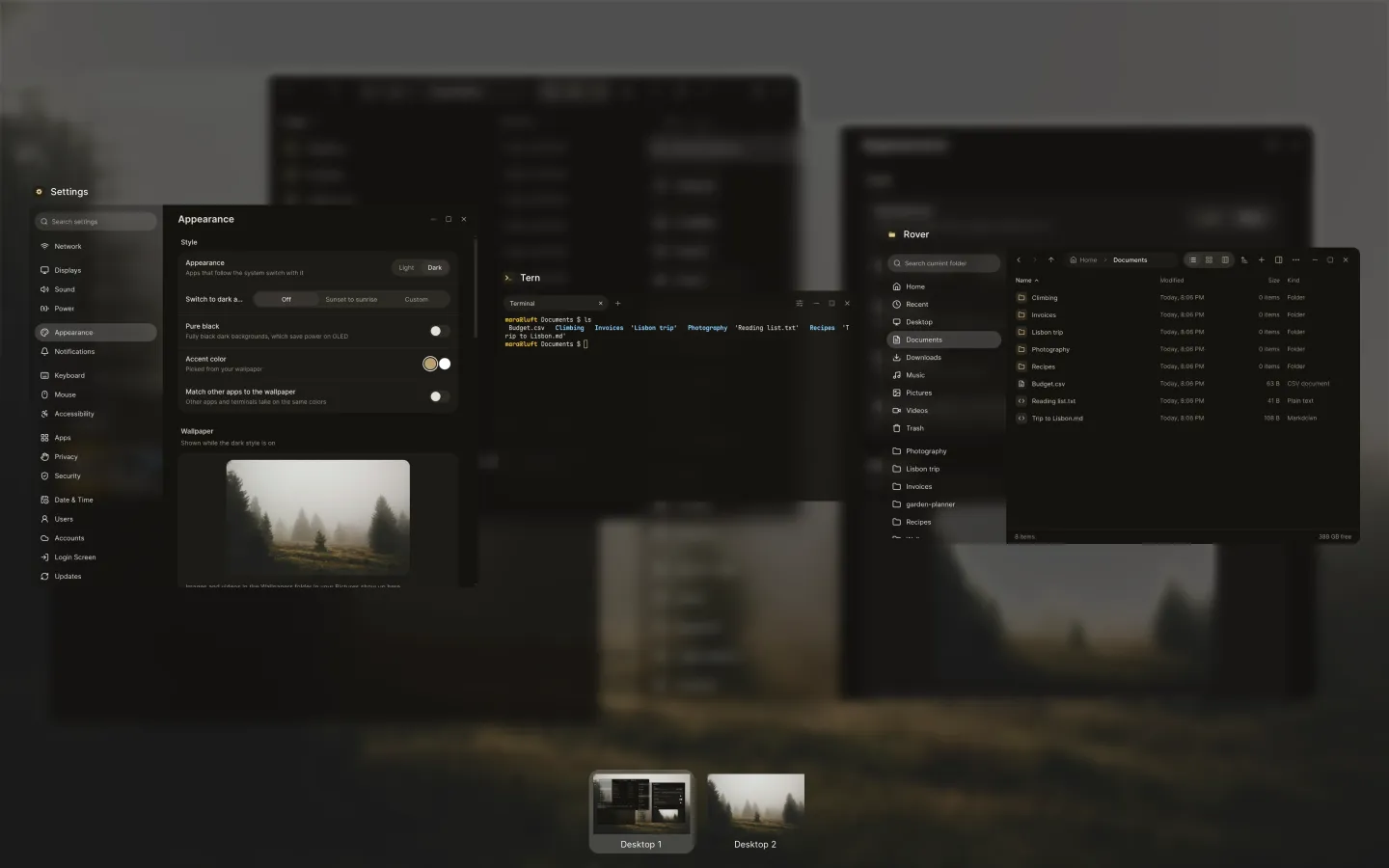
Room for every window.
Snap windows into layouts or see them all at once. Or turn any desktop into a board, an endless canvas where windows sit side by side and you zoom out to see the whole picture.
It moves like it means it.
Everything in Luft moves on springs, so it can change its mind halfway without a jolt. Swipes follow your fingers and land where you meant, and apps open quickly, even the first time.
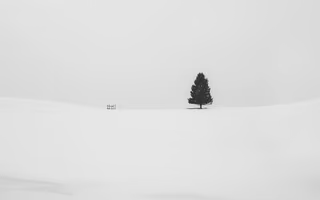
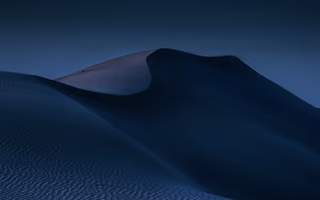
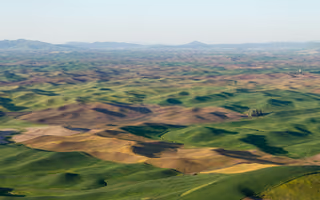
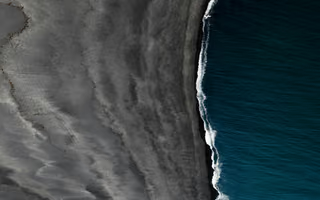
Pick a photo. Luft does the rest.
35 photographs come with it. Choose one, and the accent, the glass and every app take on its colours, in light and dark.





























Apps made for it, from day one.
Luft comes with its own apps. They share the desktop’s glass, colours and motion, open in a blink and stay out of your way.
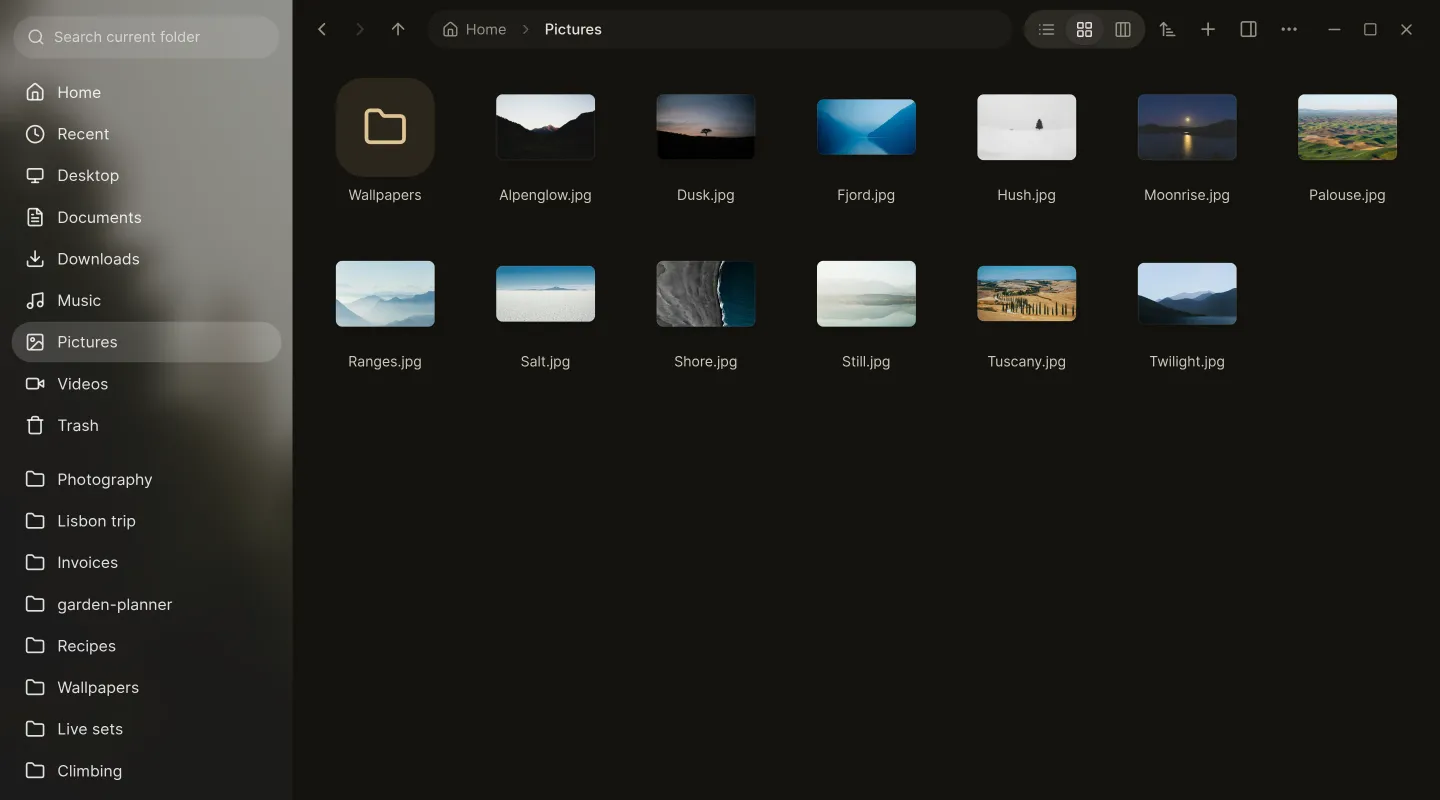
Rover. Tabs, Quick Look, network drives and your cloud drives, with a sidebar that knows where Windows lives.
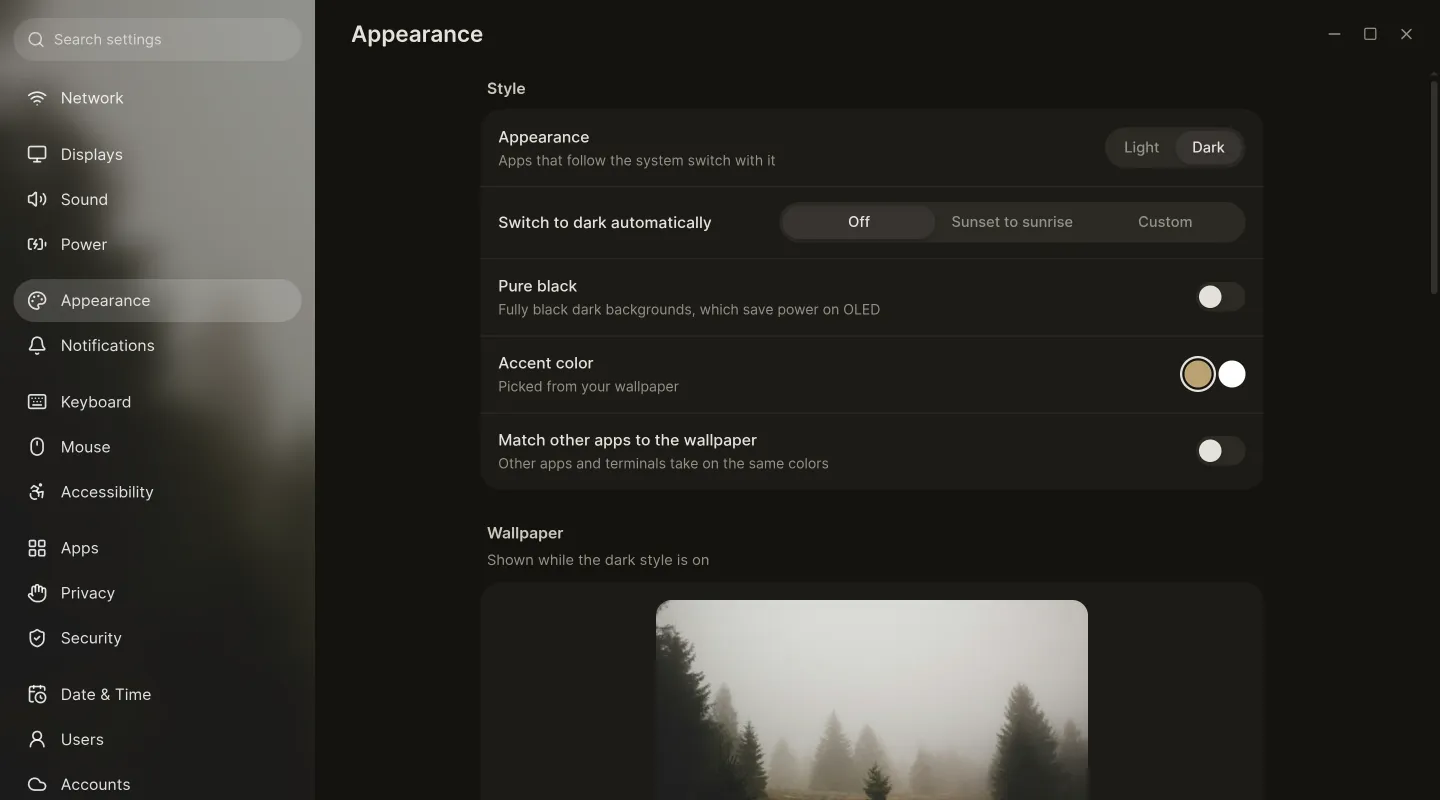
Settings. Every switch in one place, from Wi-Fi and displays to updates, security and the taskbar.
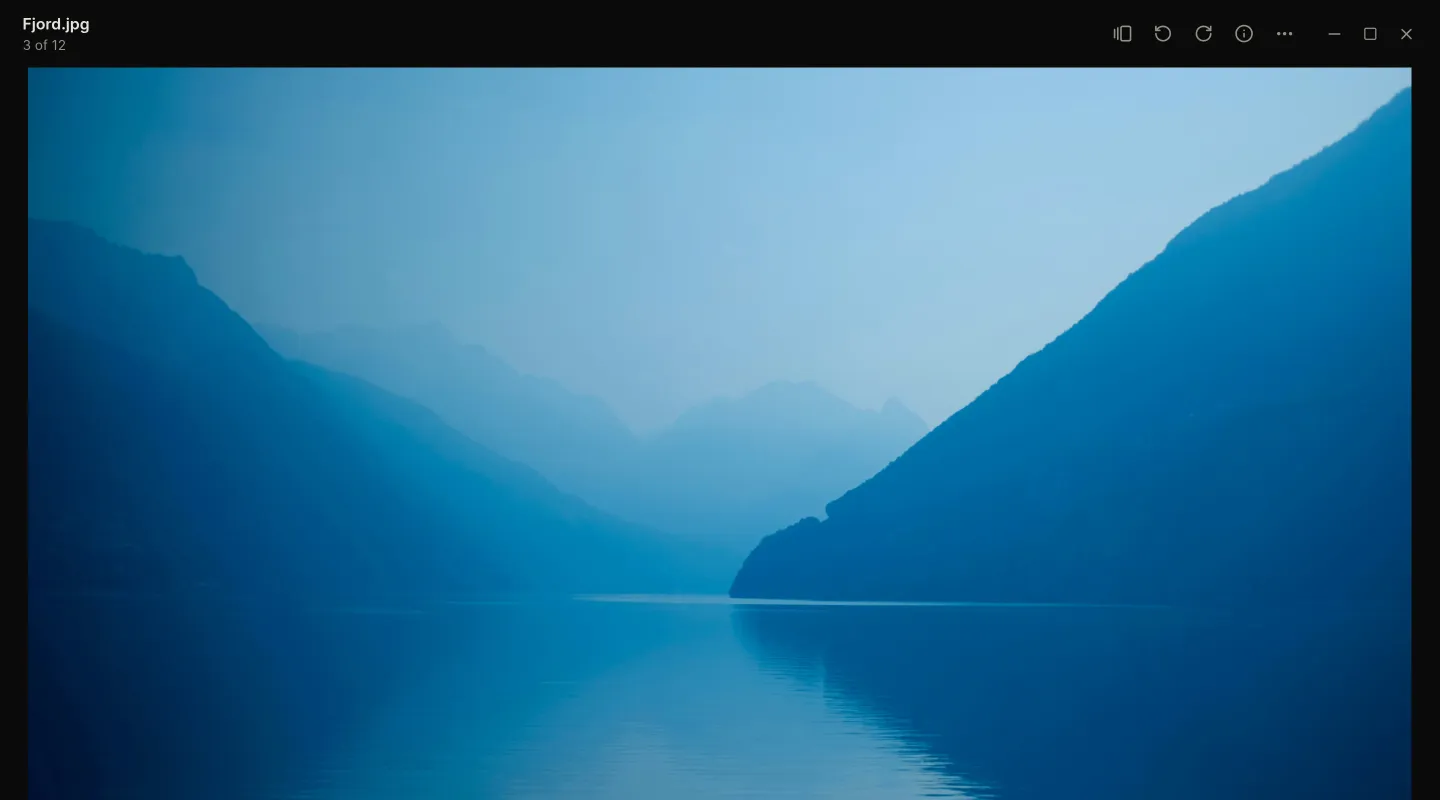
Magpie. Opens photos, videos, songs, PDFs and fonts, with the rest of the folder an arrow key away.
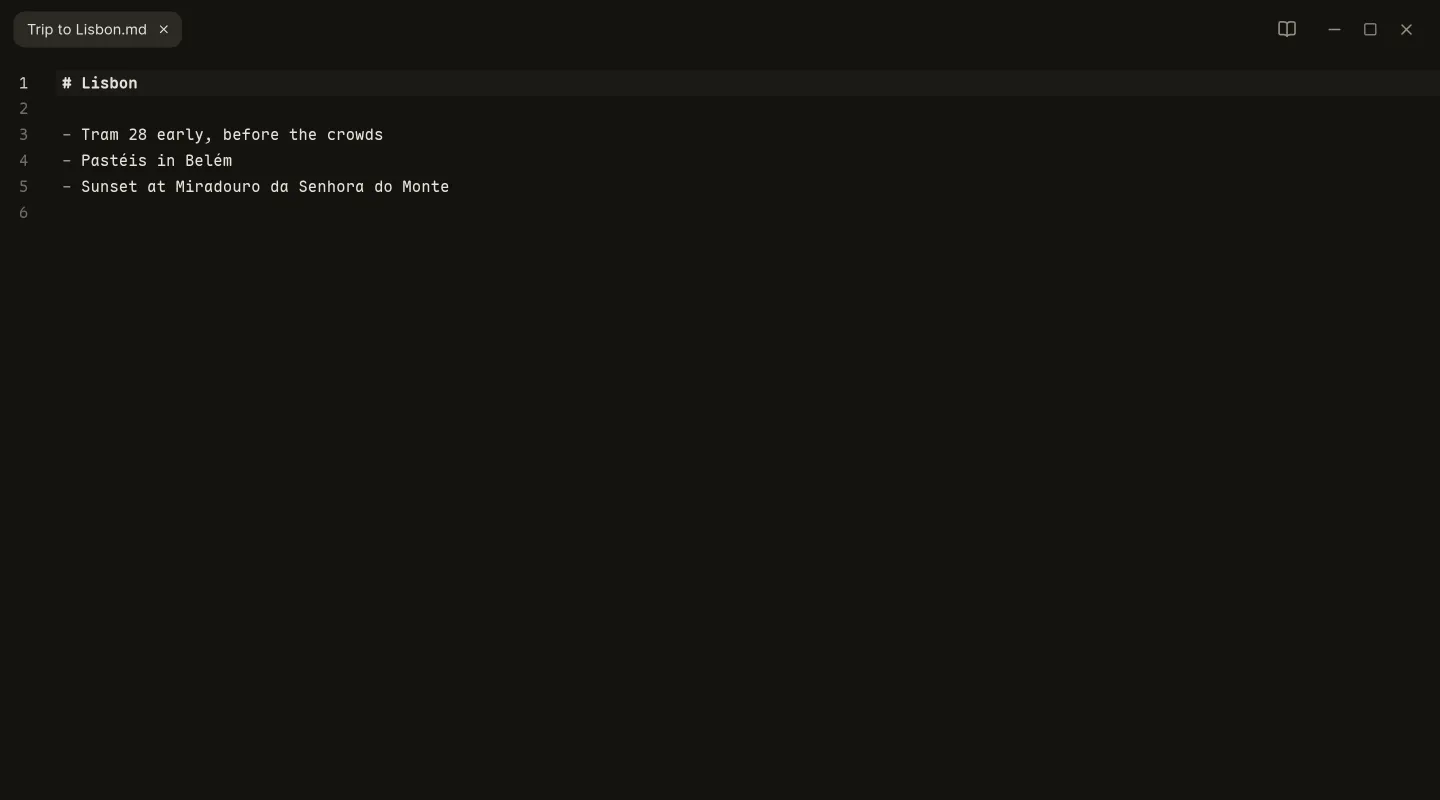
Draft. Over a hundred languages, multiple cursors and a Markdown preview, and it remembers where you left off.
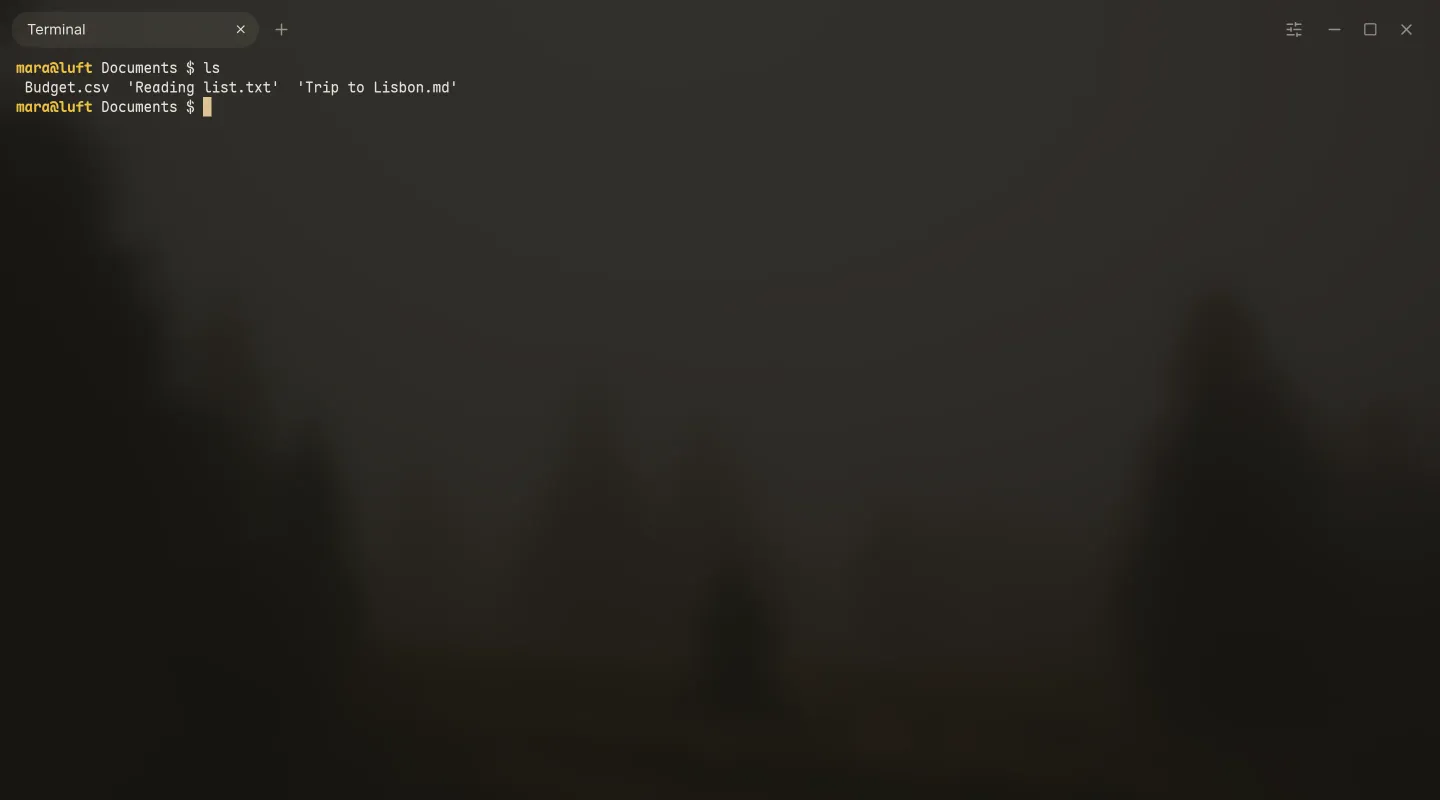
Tern. Tabs and split panes, a nudge when a long command finishes, and colours from your wallpaper.
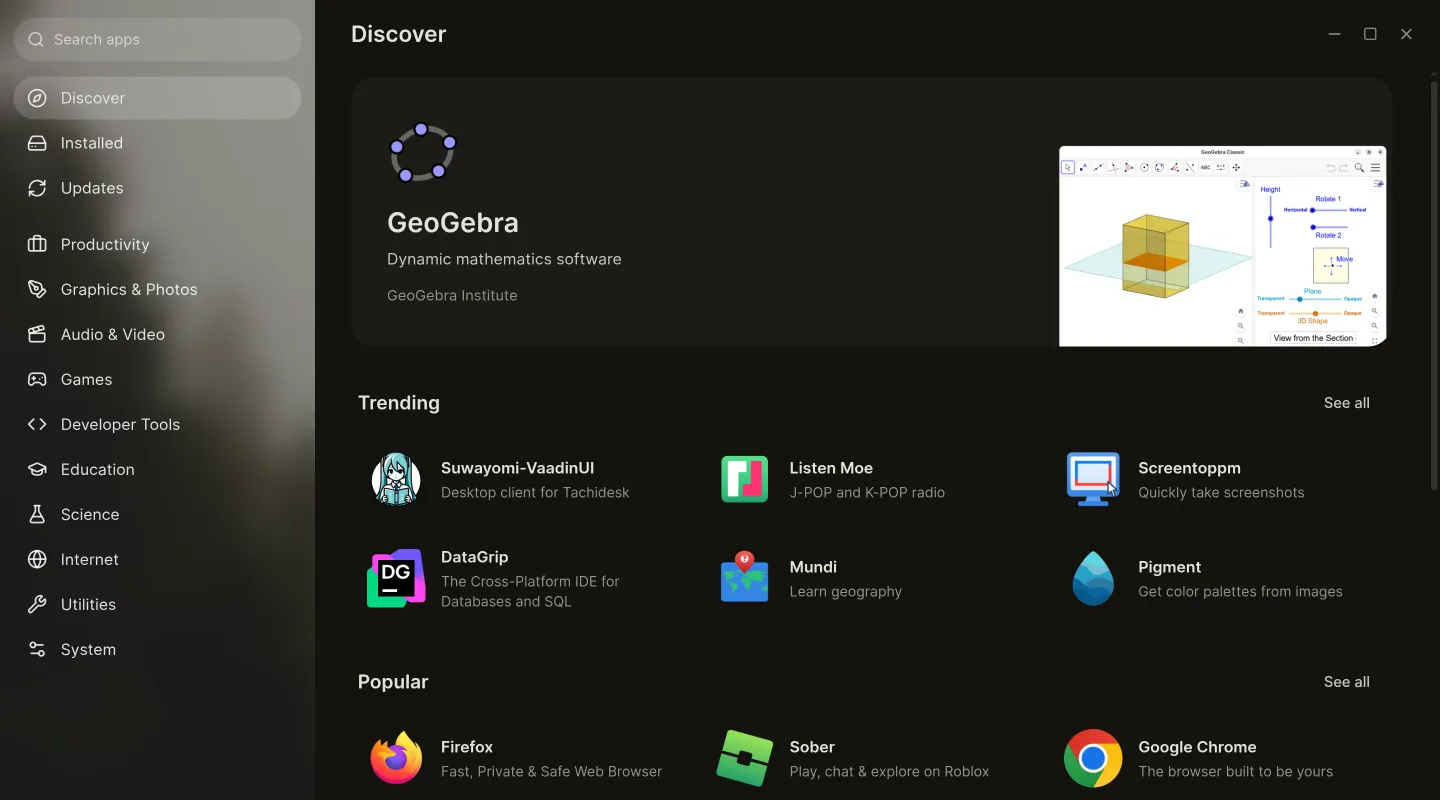
Schelf. Thousands of apps from Flathub and AppImages, with permissions explained in plain words.
Mailman, mail. One inbox for every account, a screener for new senders and search that works offline.
-
Disks, drives. Partitions to scale, encryption, health checks and USB sticks made from an image.
-
Barometer, system monitor. What every app is using, with live graphs for the processor, memory, graphics and network.
-
Keys, keyboard layouts. Draw your own keyboard layout or input method, and try it before you save it.
Your cloud, as plain folders.
Sign in once in Settings and your files appear in Rover, and in every app’s Open dialog. Nothing downloads until you open it, and what you keep on the computer works offline.
- iCloud Drive
- OneDrive
- Dropbox
- Nextcloud
- WebDAV

Safe by design, not by settings.
Everything that keeps your computer yours is on from the start, and stays out of your way.
- Sealed and signed
- The whole system is one signed image, and every file is checked against it. Nothing can quietly change underneath you.
- Updates that can’t break it
- Updates arrive in the background and switch over at the next restart, all at once. The version before is always one choice away.
- Secure Boot stays on
- Every step of startup is signed, from the USB stick to the desktop, so there’s nothing to turn off in the firmware.
- Encrypted, without the typing
- Turn on encryption with a click. With a TPM, the disk unlocks by itself, and only for the system that belongs to it.
- Passkeys everywhere
- Passkeys live on your computer and work in every browser, confirmed with your fingerprint or password.
- One keyring
- Passwords, sign-ins, SSH keys and GnuPG are kept in one place, unlocked when you sign in.

Try it tonight. No USB stick.
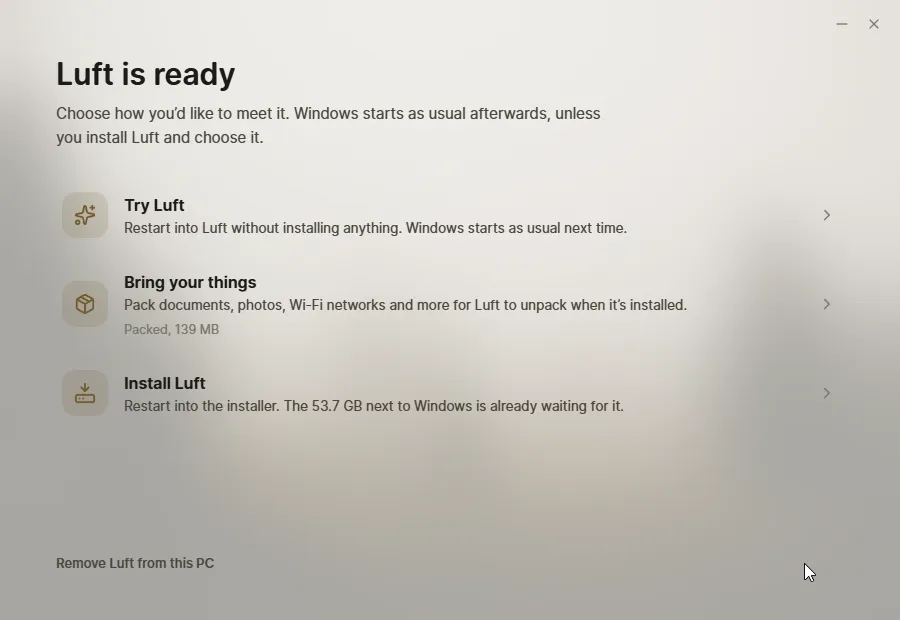
Meet Luft gets your computer ready from the system you already use, then restarts into Luft once.
- 1
Download Meet Luft
A small app for Windows and Linux. It checks your computer first and tells you what it found, in plain words.
- 2
It makes room
On Windows it shrinks Windows with Windows’ own tools, so BitLocker is fine. On Linux it keeps Luft in a folder. Nothing else changes.
- 3
Restart into Luft
Try it for as long as you like, then install it next to Windows, or in place of your old Linux with your files kept. The next restart goes back to what you had.
Prefer a USB stick? Meet Luft makes one too, or write the ISO yourself.
Questions
Does it cost anything?
No. Luft is free and open source, and so are its apps.
Will it run on my computer?
If it is a 64-bit PC with UEFI from the last ten years or so, very likely. Luft needs at least 32 GB of space. A TPM is optional and lets an encrypted disk unlock by itself. Computers with NVIDIA graphics get an edition with NVIDIA’s own driver.
Can I keep Windows?
Yes. Luft can live next to Windows and you choose which one starts. Meet Luft makes room with Windows’ own tools, so it works with BitLocker on, and it can take everything back out if you change your mind.
Can I try it before installing?
Yes. Meet Luft restarts into Luft once, without installing anything, and the next restart is back in Windows or your Linux. A USB stick works the same way.
What about my apps?
Schelf installs apps from Flathub and AppImages, and keeps them up to date. Helium comes as the browser and can be swapped for any other. Command-line tools go into a Toolbox container that Schelf manages too.
How do updates work?
The whole system updates at once, in the background, and switches over at the next restart. If something isn’t right, the version before is one choice away when the computer starts.
Is it ready?
Luft is in testing. Nightly builds come out whenever something changes, and the first release, Alizé, follows once it’s stable. Computers installed from a nightly build keep getting nightly updates.